Application portals
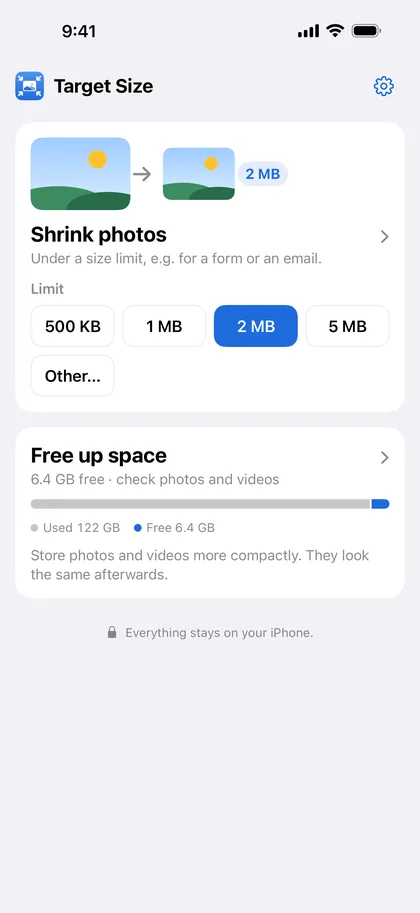
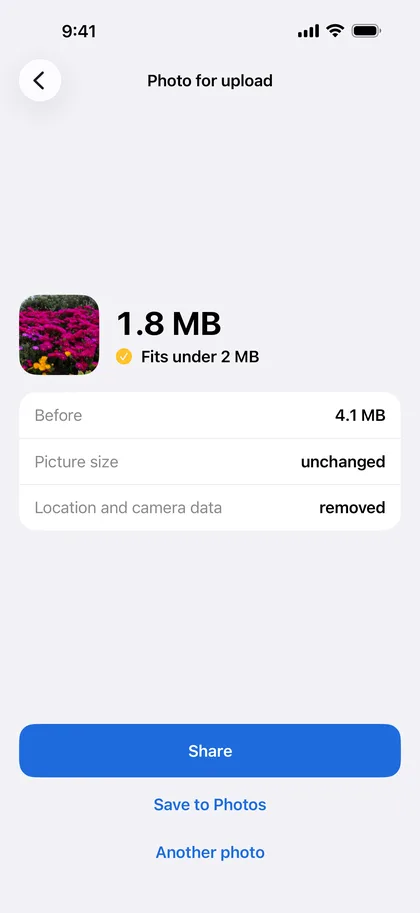
Many portals accept a photo only up to 1 or 2 MB. Target Size brings it below the limit and keeps the full resolution whenever it fits.

Photo & Video
iPhone & iPad
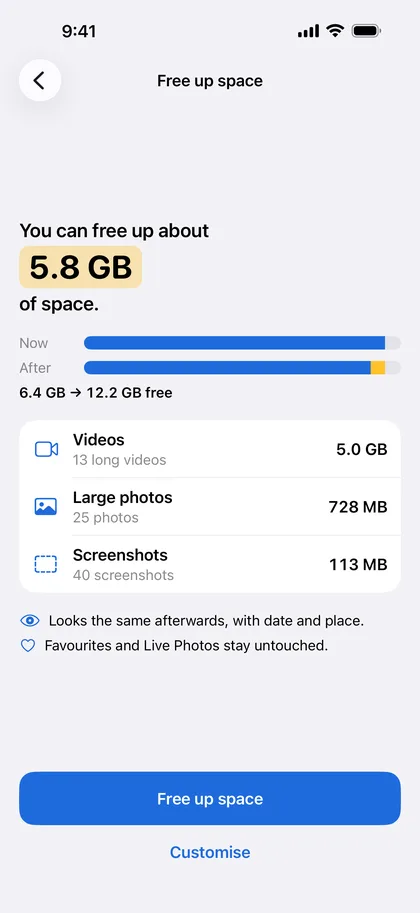
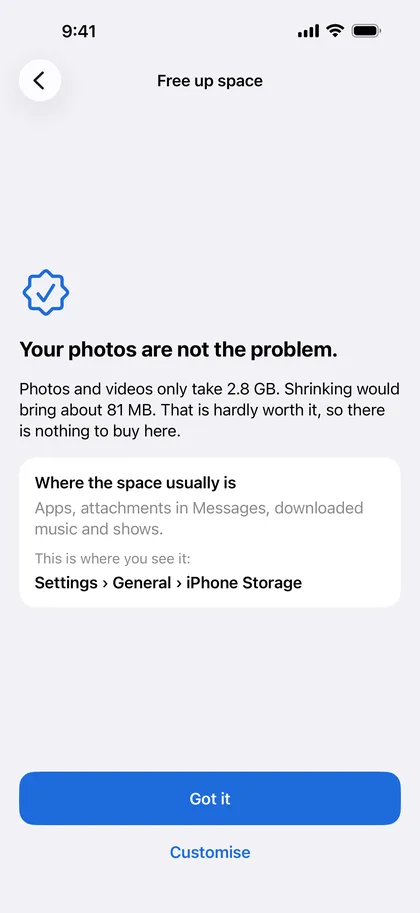
Target Size compresses photos to exactly the size a form, portal or mail asks for – "max. 2 MB", "under 500 KB" – in two taps. And when your iPhone is full, it shows how much space your photos and videos can free up and guides you there, step by step.
Free · one-time purchase “Unlimited: shrink & free space” €4.99 · no subscription
Requires iOS 18.0
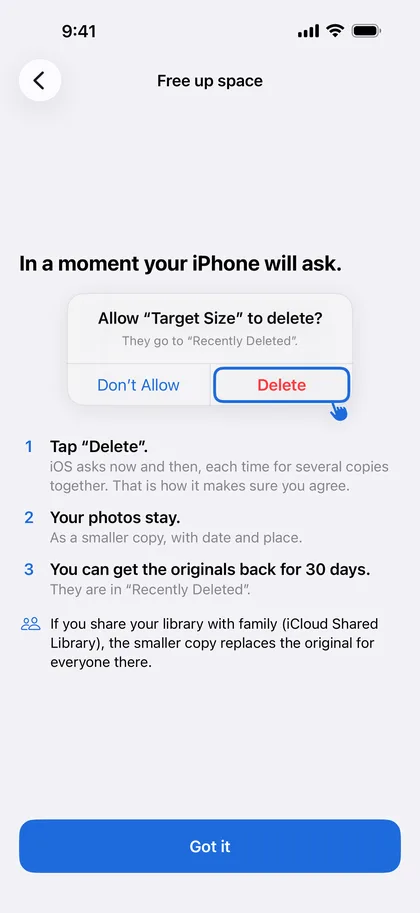
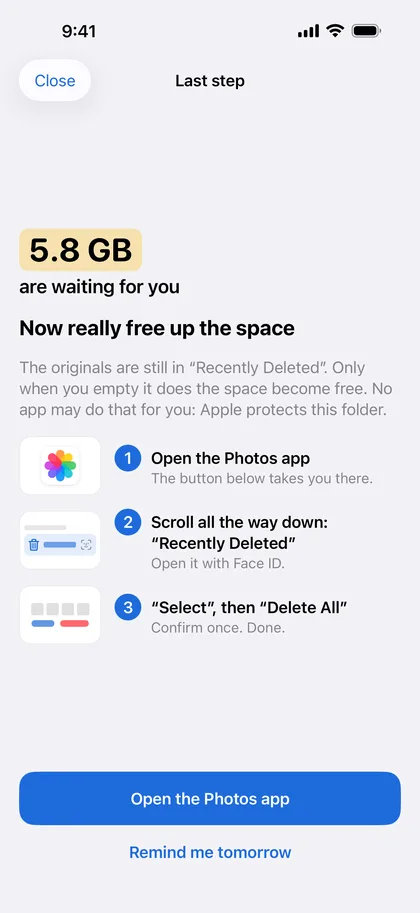
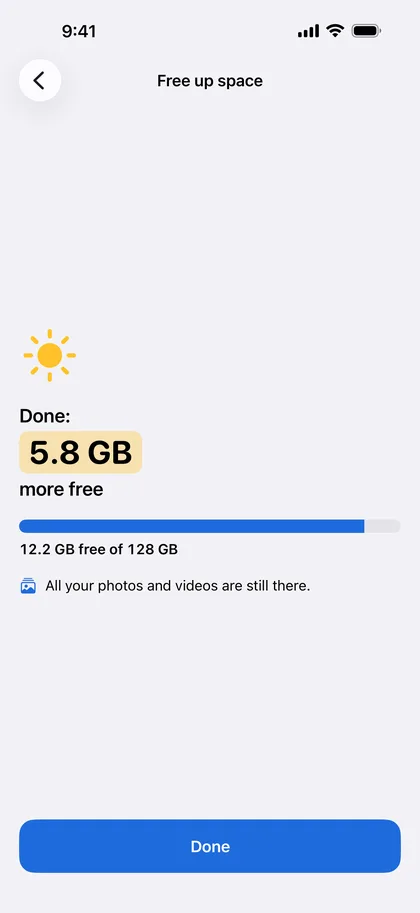
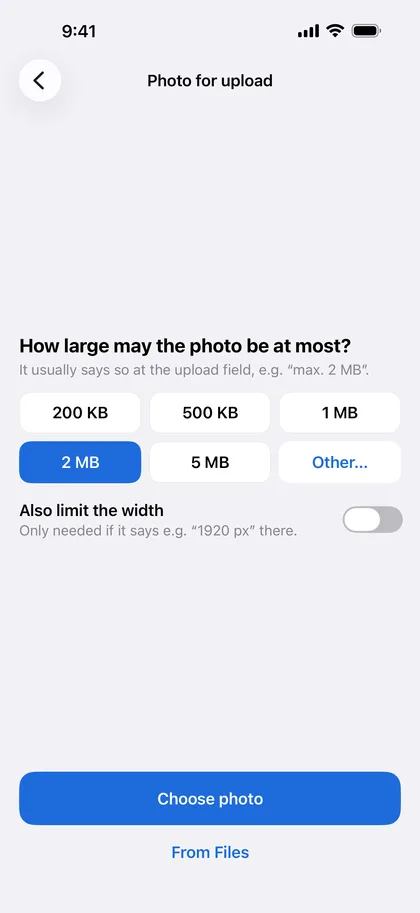
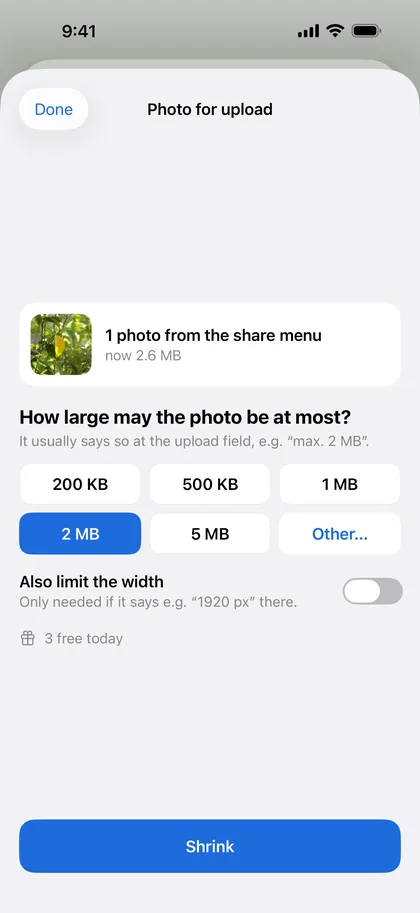
Many portals accept a photo only up to 1 or 2 MB. Target Size brings it below the limit and keeps the full resolution whenever it fits.
A mail server that refuses large attachments, a form that stops at 500 KB: you choose the limit, and the app shows the size of the result.
In Photos, share a picture to Target Size and choose a limit, without opening the app. Location and camera data are removed from the result.
One purchase, no subscription: uploads without a limit, and all your photos and videos, as often as you like. Family Sharing included.
Everything happens on your iPhone. No account, no ads, no tracking.
€0
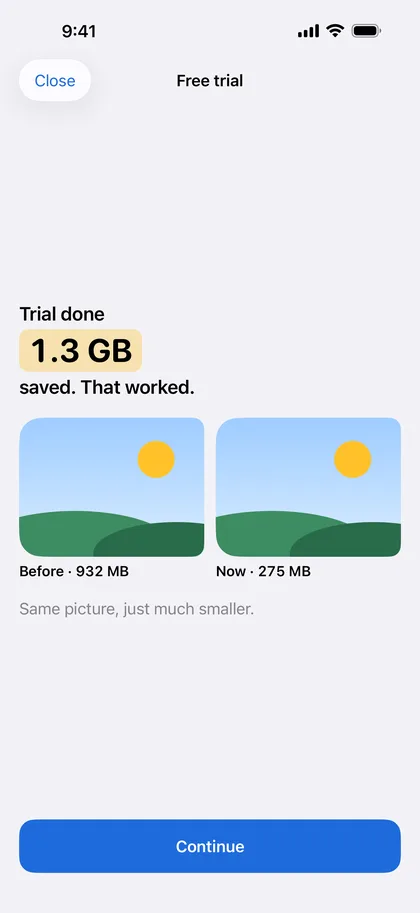
Three photos a day under any limit (a photo that already fits is not counted), and the analysis, the plan and the first round of freeing up space.
The free version can be used without a time limit.
€4.99
Pay once, use it for good. No subscription.
The app collects no data. Everything you open or create stays on your device until you share it yourself.
Photos: The photos you pick are compressed on the device. A result is saved to your library only when you tap Save.
Very small limits cannot always be met; the app says so and shows the smallest size it reached. Try a smaller pixel size.
Tap “Restore purchase” on the purchase card in the app. A one-time purchase is tied to your Apple account and does not have to be paid for again.